




Follow these steps to change the map (track) for your Assetto Corsa server hosted on Wake Servers.
Step 1: Start-up your game
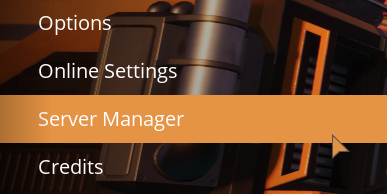
1. Click on the Server Manager tab. Within your game.
2. Click on Add Server at the bottom of your page.

Copy your Address and Port from your Game Panel, Then hit Confirm in game.
3. Click on your server in the list in-game now. Then click Create Game.
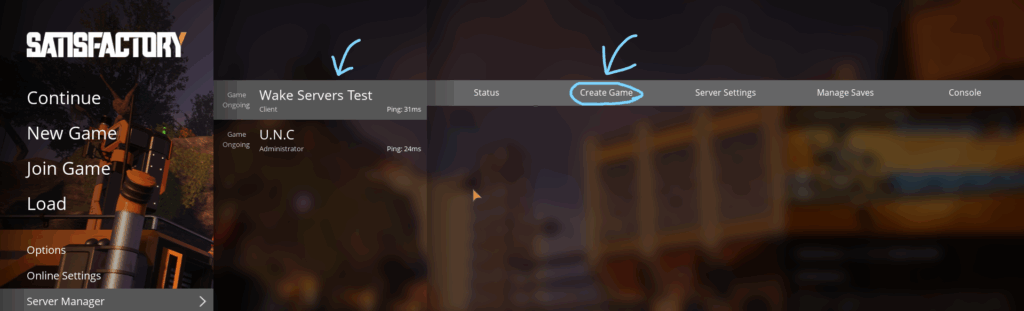
From the Create Game menu you will make you game and you can also upload saves you have to here also view status and or the Games Console in game. You game should be setup and ready to go/join-able.