




Follow these steps to authenticate your server so you can join.
Step 1: Start your server
1. Click start.
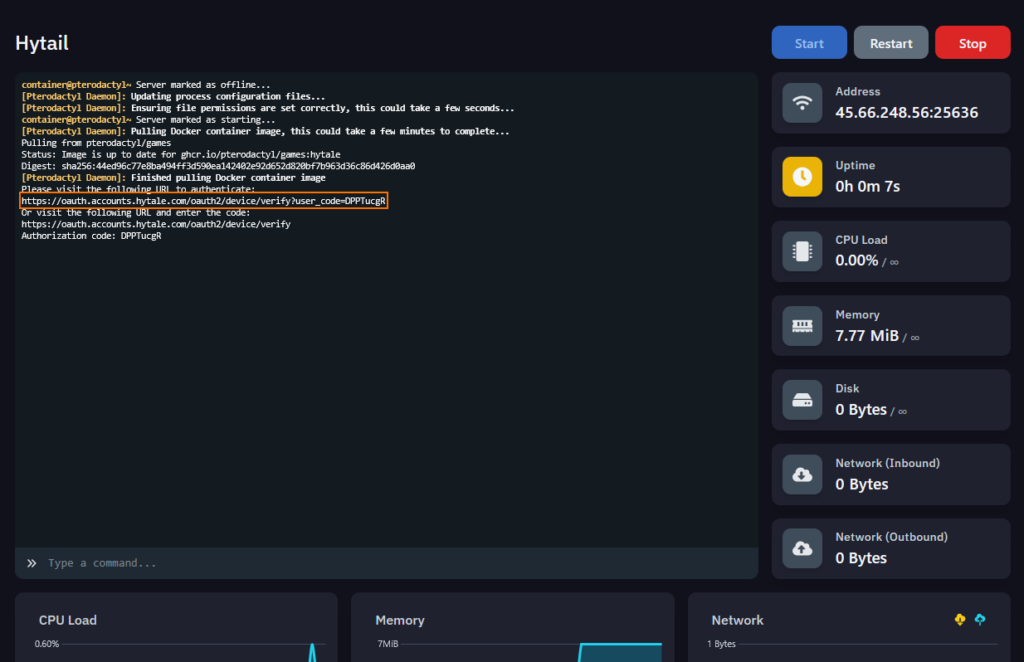
2. Wait for the server to start in the console and when you see Authorization Code stop.
Your going to want to click the 1st link, “Orange Box”
Step 2: Sign in and approve
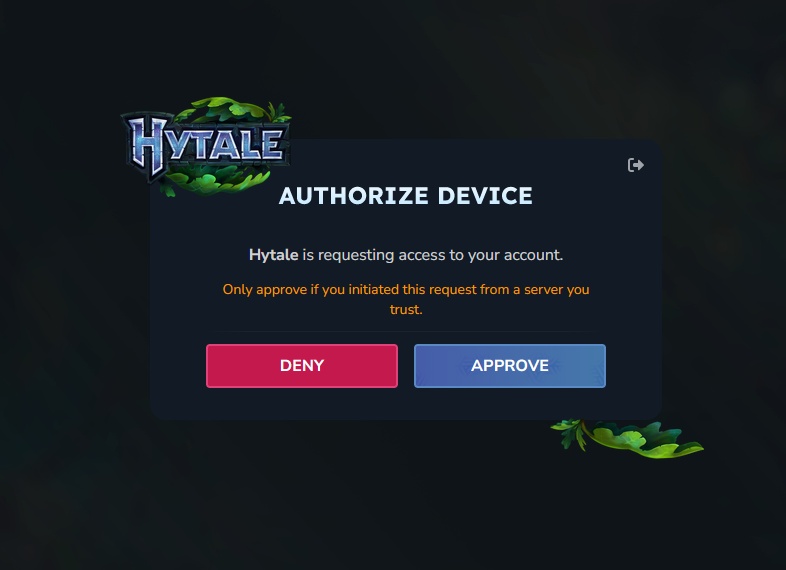
1. Click “APPROVE”
Step 3: Adding Auth Token
The Server should now be starting up and downloading the files needed to run, But your not done yet.
The server now needs a auth token in order for you to be able to join
1. Copy this below
/auth login device2. Paste it into the servers console then click on the link.

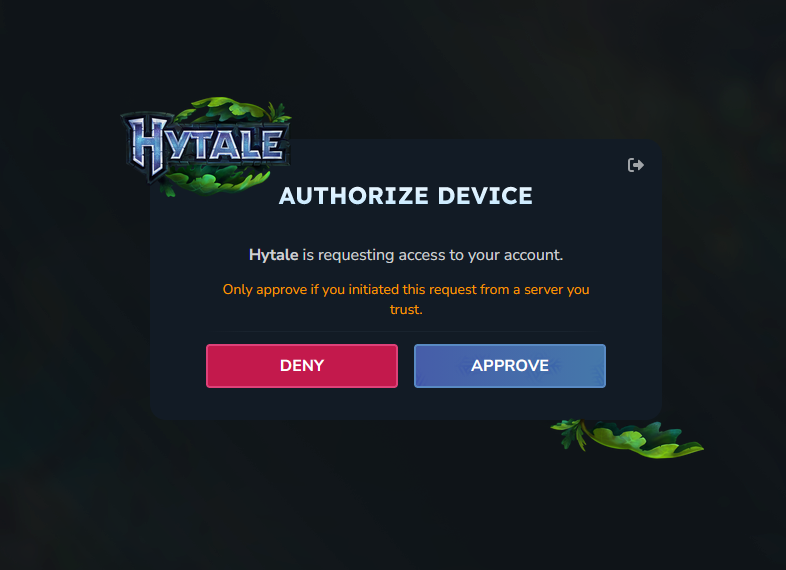
3. Hit approve
Step 4: Making sure the server stays authenticated after restart
1. Copy this below
/auth persistence Encrypted2. Again paste this into the servers console

It should say this after. Your now done and can join your server!